
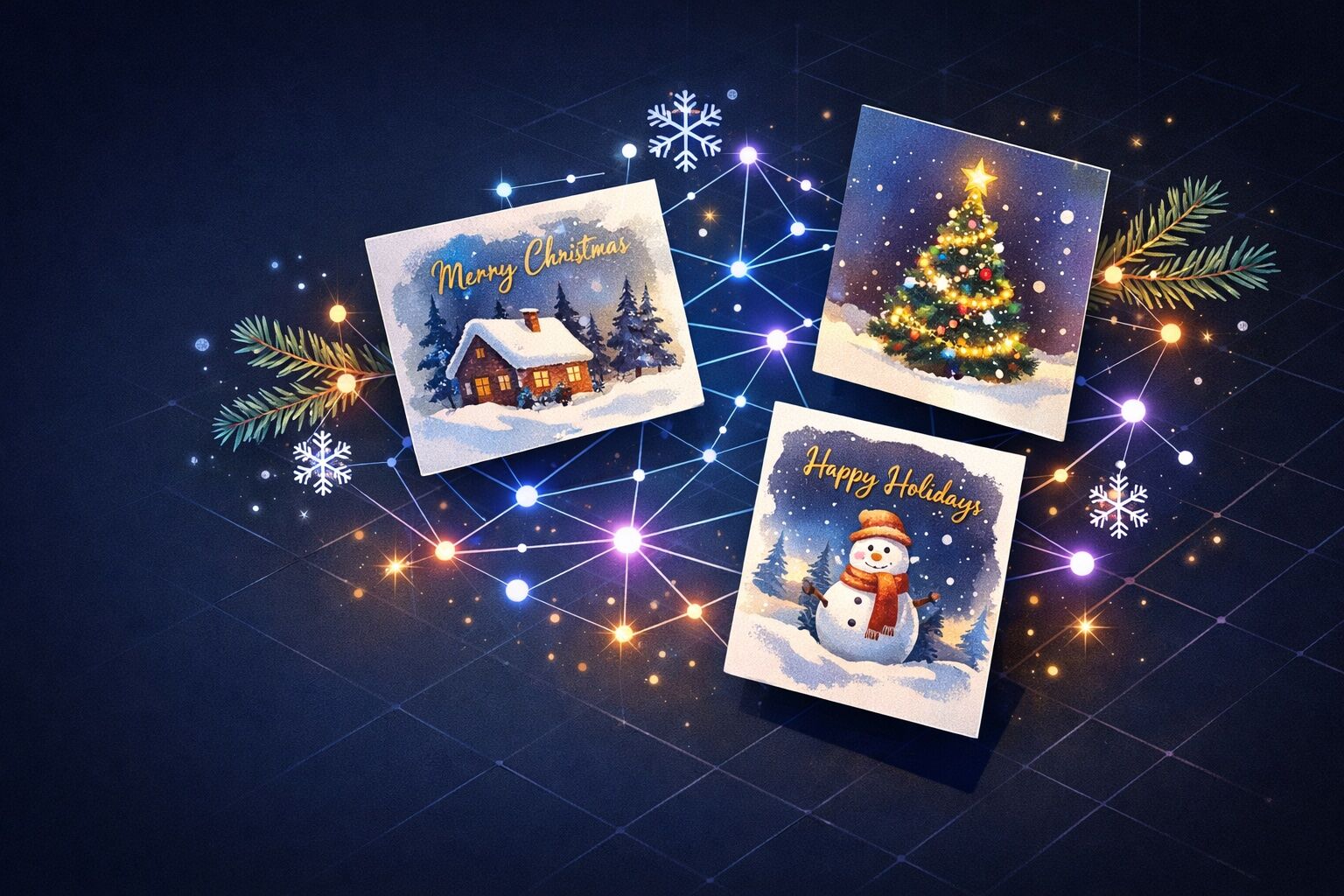
Every year, it's the same struggle. You want to send original greetings, but you end up choosing between generic Canva cards or ugly images found on Google. Spoiler alert: with Midjourney v7, you can create Christmas cards that will literally blow everyone away — and it takes less time than finding a parking spot at the mall.
In this article
Why Midjourney v7 is a game changer for greeting cards
Honestly, I've tested quite a few image generators over 2025. DALL-E 3, Stable Diffusion, Ideogram... But for Christmas cards, Midjourney v7 remains unbeatable as this year ends. The thing is, this version has really improved on three key points.
First, stylistic consistency. When you ask for a watercolor or vintage style, you get exactly that — not a weird mix between photo and drawing. Second, text handling has significantly improved (though we'll see it's still not perfect). And finally, festive details like snowflakes, garlands, or Christmas trees are rendered with amazing precision.
I generated about twenty cards last week for my loved ones. Total time? About 45 minutes, coffee included. Compared to the 3 hours I used to spend tinkering in Photoshop, that's a massive time saver.
Essential parameters to master
Before I throw the prompts at you, let me explain the Midjourney parameters that really make a difference for greeting cards. Because yes, a good prompt without the right settings gives mediocre results.
| Parameter | Recommended value | Why |
|---|---|---|
| --ar | 5:7 or 4:5 | Classic card format, ideal for printing |
| --style | raw | Less "Midjourney filter", more natural |
| --v | 7 | Newest version as of late 2025, best quality |
| --q | 2 | Maximum quality for printing |
| --s | 250-500 | Moderate stylization, keeps control |
The --ar 5:7 parameter is crucial. It's the perfect ratio for a card to print in A5 format or postcard size. If you want something more square for Instagram, go with 4:5.
5 ready-to-use prompts for Christmas 2025
Here are my 5 favorite prompts that I'm using this year. I've tested and refined them — you can copy them directly. Just adapt the details to your taste.
Watercolor Christmas greeting card, cozy winter cabin in snowy forest, warm golden light from windows, pine trees covered in snow, soft falling snowflakes, vintage holiday illustration style, muted red and green palette, blank space at bottom for text --ar 5:7 --v 7 --style raw --q 2
Minimalist Christmas card design, single elegant golden Christmas tree made of geometric lines, deep navy blue background, subtle gold sparkles, modern scandinavian aesthetic, clean composition, luxury feeling --ar 5:7 --v 7 --style raw --s 300
Cute illustrated Christmas card, adorable cartoon reindeer with red scarf, whimsical snowy village background, children's book illustration style, soft pastel colors with pops of red, magical starry sky, heartwarming and playful mood --ar 5:7 --v 7 --q 2 --s 400
Vintage 1950s Christmas card illustration, retro Santa Claus with rosy cheeks, classic American mid-century style, nostalgic warm color palette, slightly worn paper texture, Norman Rockwell inspired, traditional holiday warmth --ar 5:7 --v 7 --style raw --s 500
Elegant Christmas still life photography, crystal ornaments and pine branches on marble surface, soft bokeh fairy lights background, luxurious holiday aesthetic, shallow depth of field, warm candlelight glow, sophisticated and refined --ar 5:7 --v 7 --style raw --q 2
Pros and cons of this method
Let's be honest: Midjourney v7 isn't perfect for everything. Here's what I've observed after dozens of generations.
+ Pros
- Speed: 30 seconds per image, compared to hours of manual creation
- Originality: Each card is unique, impossible to find elsewhere
- Print quality: Sufficient resolution for A4
- Varied styles: From minimalist to vintage in one prompt
- Negligible cost: About $0.10 per generated image
- Cons
- Limited text: Adding "Merry Christmas" directly often produces errors
- Specific characters: Difficult to generate a portrait of your family
- Subscription required: Minimum $10/month for Midjourney
Pro tip
For "Merry Christmas" or "Season's Greetings" text, don't put it in the Midjourney prompt. Generate your image with blank space at the bottom, then add the text in Canva or directly in your printing software. It's cleaner and you control the typography. I've been doing this for 2 years and it works perfectly.
How to print and share your creations
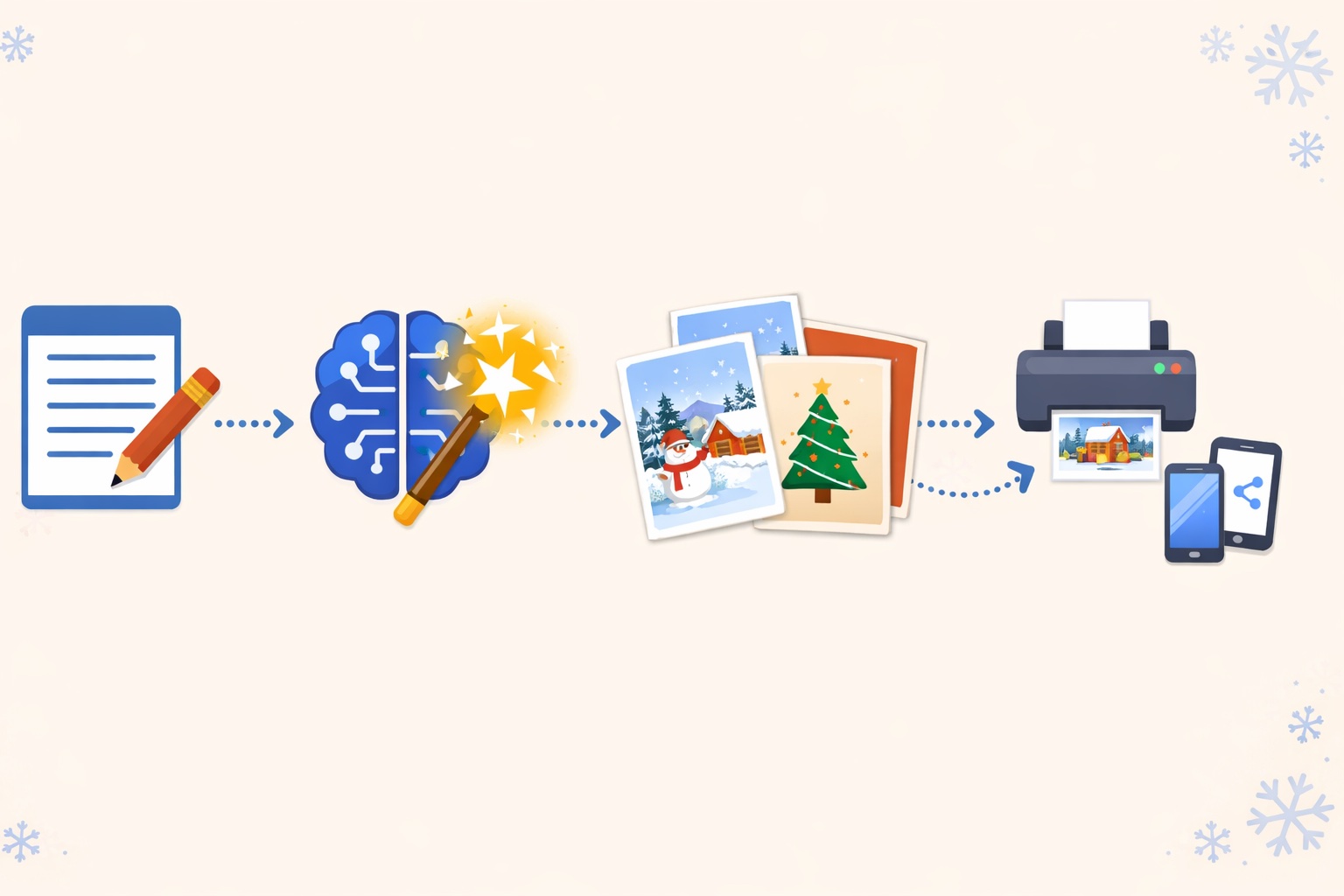
Once you have your images, several options are available. For physical printing, I recommend upscaling the image with the U1-U4 option in Midjourney, then using a service like Shutterfly or Vistaprint. The postcard format (4x6 inches) costs about $0.30 per unit.
For digital sharing, it's even simpler. Export as PNG, open Canva (free), import your image, and add your custom text. You can even create an animated version with falling snowflakes — perfect for WhatsApp or Instagram Stories.
Quick tip: if you want to send by email, keep the file size under 1MB. Use TinyPNG to compress without visible quality loss. Personally, I send my digital cards on December 23rd in the evening — late enough to be read on the 24th, early enough not to get lost in the flood on the 25th.
Frequently asked questions
Is Midjourney v7 free?
No, Midjourney requires a paid subscription. The Basic plan, priced at $10/month in late 2025, gives you about 200 generations, more than enough to create a collection of Christmas cards.
Can I use these images commercially?
Yes, with a paid subscription, you own the commercial rights to your creations. You can sell them or use them for your business without any issues.
What resolution for A4 printing?
Use Midjourney's 4x upscale to get an image of about 4096x5734 pixels, perfect for A4 printing at 300 DPI.
How do I access Midjourney v7?
As of late 2025, Midjourney works via Discord or their website, then still in beta. Create an account at midjourney.com, choose your subscription, and you can start generating immediately.
Conclusion
Creating personalized Christmas cards with Midjourney v7 has never been more accessible. In 5 minutes and a few well-crafted prompts, you can impress everyone on your contact list with unique visuals they won't find anywhere else.
The hardest part, honestly? Choosing among all the beautiful images you'll generate. But hey, that's a luxury problem, right? Now it's your turn — and happy holidays in advance!
Want more creative prompts?
Join my newsletter and receive my best tested and approved Midjourney prompts every week.
Subscribe for free🚀 Stay ahead on AI
Get the latest AI news, tools and tips delivered to your inbox every week.